What vibe coding is and how it changes mobile development
In vibe coding you don't have to start with a programming language and an empty file. You describe what should happen on the screen, and the AI proposes an implementation. We look at where the term came from, where the approach speeds work up, and where it creates risks.
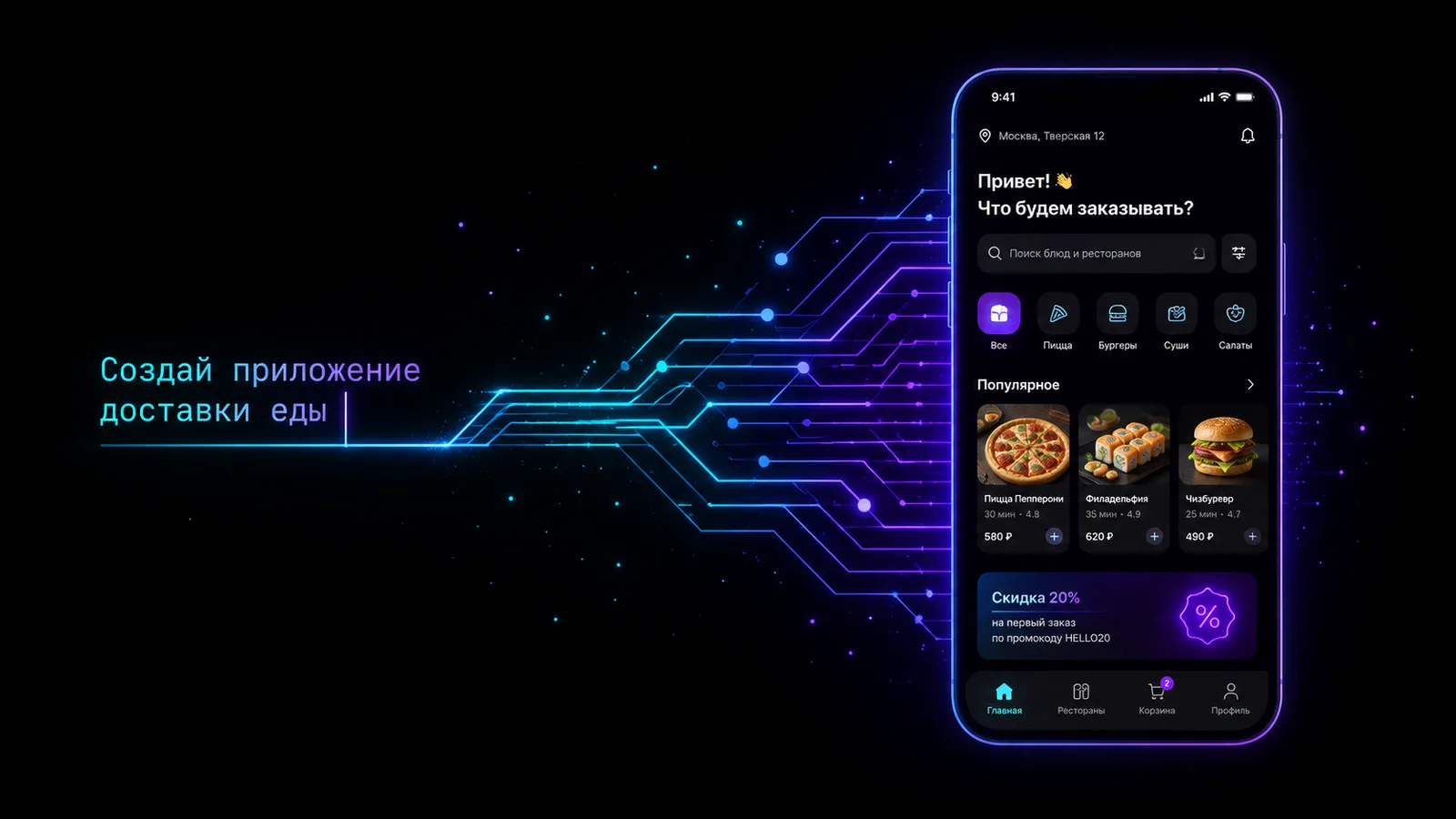
Vibe coding is a way of creating software through a conversation with AI. Instead of writing every line by hand, a person describes the desired result in plain words, runs the resulting version, looks at the result and asks for changes.
The point isn't the absence of code. The code still exists; the model just takes over most of the rough work. The person's role shifts from typing syntax to setting the task, choosing solutions and checking that the program actually works.
Vibe coding in plain words
Vibe coding with AI works like this: you say which program you want, and the model turns the description into an interface and code. Then you check the result and refine the task: move a button, change the sign-in flow, add a screen, fix a bug. Development runs in short "describe, get, check, refine" loops.
For example, instead of assembling a food-delivery screen by hand you can write:
Build an order screen. At the top show the delivery address and the estimated time. Below, place restaurant cards with a photo, a rating and the delivery time. Add cuisine filters and bottom navigation. When a restaurant is selected, open its menu and keep the chosen dishes in the cart.The AI creates a first implementation. After that the real work begins: check whether changing the address is convenient, what happens with an empty cart, whether the order survives going back, and how the interface behaves on a small screen.
Where the term came from
The expression "vibe coding" was popularised by the researcher Andrej Karpathy in February 2025. He described an approach where the developer interacts with the code directly less and less, and instead formulates wishes in natural language, accepts the changes and keeps moving by the result.
At first the term carried some irony: you can "catch the vibe", barely read the generated code and fix problems with new prompts. But the expression quickly outgrew the joke. It turned out to be a convenient name for a new format of development, available not only to programmers but to designers, entrepreneurs, marketers and product managers.
Today vibe coding means different levels of work. Some people make a throwaway prototype and never look inside. Others use the AI as a pair to a developer, review the changes carefully and keep control of the architecture. These scenarios can't be judged the same way: the risk depends on how important the product is and how carefully the team checks the result.
Why vibe coding became possible now
Code generation existed before, but modern language models have learned to hold the context of a project, understand requests in natural language and change several related parts of a program. In parallel, tools appeared that give the model access to files, documentation, the terminal, interface images and test results.
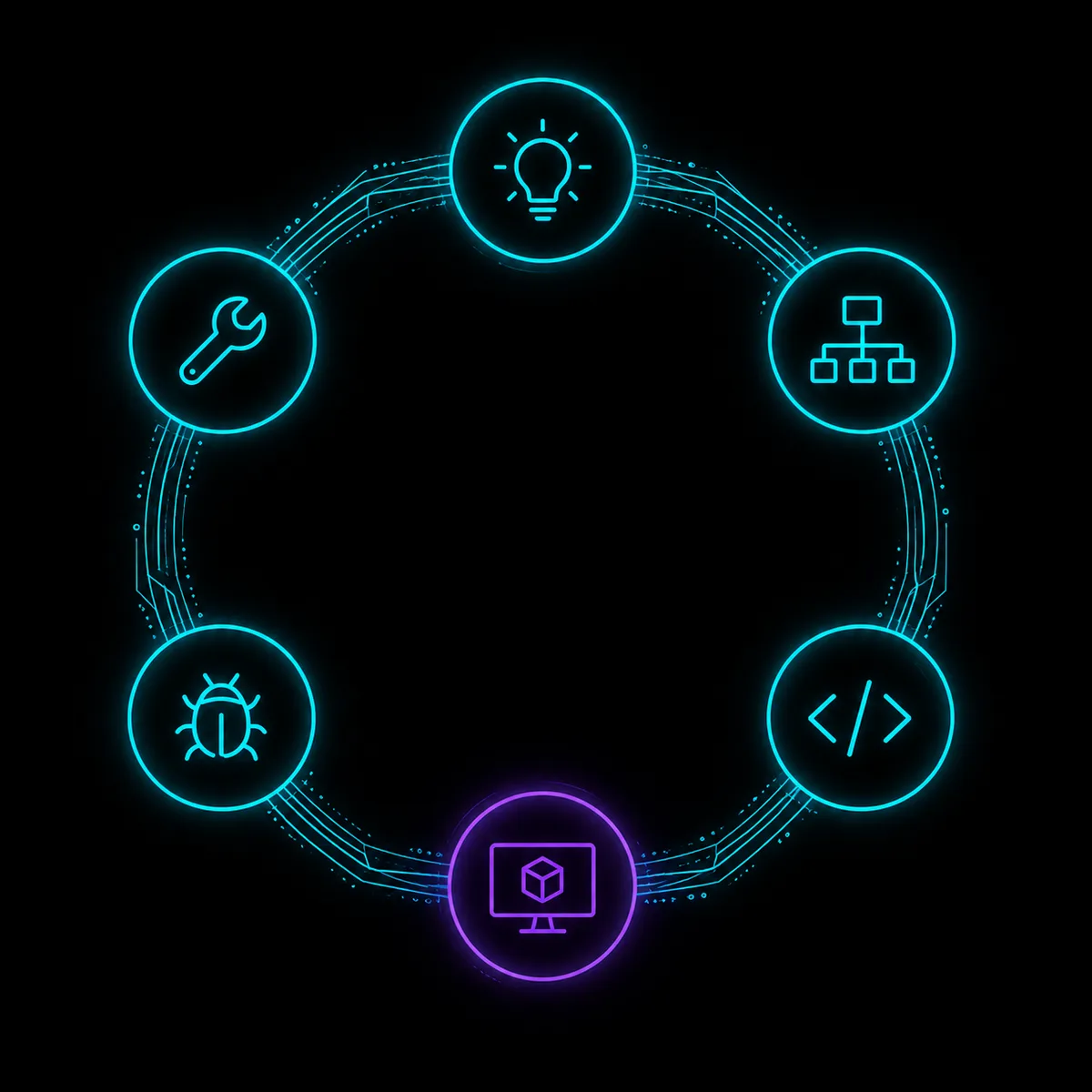
Because of that, the AI can perform not one isolated fragment but a whole sequence:
- Understand the idea.
- Propose a screen structure.
- Write the code.
- Run or render the app.
- See the error.
- Fix it and check again.
The shorter this loop, the more useful vibe coding is. If the model writes code but doesn't see the result, the person has to find every visual and logical problem themselves. When the AI gets feedback from the render and the tests, the work becomes closer to joint development.
How vibe coding differs from no-code
No-code usually offers ready-made blocks, settings and predefined connections. The user assembles the product within the builder's limits. That's convenient for typical tasks, but non-standard logic often runs into the platform's capabilities.
Vibe coding starts not from blocks but from intent. You describe the behaviour, and the AI creates or changes the code. The limits depend on the available runtime, the libraries and the quality of the model, but the result can be more flexible than a template builder.
At the same time vibe coding isn't total freedom. If the chosen environment doesn't support the feature you need, or the model doesn't understand the project's architecture, one prompt won't solve it. So it matters to know what the tool produces: a web page, a prototype, an exportable project or a real mobile app.
If the starting point is an existing website, see the separate explainer "How to turn a website into a mobile app". It compares a PWA, a WebView, native development and a mobile adaptation with AI.
What you can do with vibe coding
The method works especially well where the result can be seen and checked quickly:
- a mobile-app prototype;
- a landing page or a small web service;
- an internal tool for a team;
- an account area;
- a catalogue, booking or delivery interface;
- a 2D game or an interactive scene;
- a test screen for checking a user scenario.
Vibe coding is useful to professional developers too. It speeds up repetitive tasks, helps sketch several interface variants, write tests, find an obvious bug or make sense of an unfamiliar part of a project. The difference is that a specialist understands the consequences of changes and spots a weak solution faster.
Limits and risks
The AI can be confidently wrong
A model can invent a method that doesn't exist, misuse a library or hide a problem behind a screen that looks like it works. So the phrase "no errors" isn't a check. You need to run it, test it and walk through the critical scenarios.
Fast edits create chaos
If features are added constantly without an overall structure, the code becomes hard to maintain. One request can fix a screen and break another at the same time. The longer a product lives, the more architecture, clear naming and change control matter.
A prototype isn't a secure product
A sign-in form may look finished, but that says nothing about session and data protection. Payments, personal information, medical data and access rights need separate attention. Such solutions can't be shipped just because the main scenario worked once.
The backend doesn't go anywhere
The AI easily builds a catalogue screen on test data. A real product has to fetch products from a server, handle no network, store orders, check permissions and sort out errors. Sometimes fake data is enough to test an idea. For a launch you need real infrastructure.
The platform may limit export
Before starting, check who owns the project, whether you can take the sources, how the app runs and what happens if you switch services. That lowers the risk of depending on a single tool.
App stores check the result, not the prompt
The App Store and Google Play assess the finished app: its usefulness, stability, data handling and compliance with the rules. The fact that the interface was built with AI doesn't exempt the product from review.
What vibe coding looks like in le.codes
le.codes was built around AI beyond the level of a chat. The platform has a Concept, Design and Build sequence. The idea first becomes a product description, then a map of screens and transitions, and only then an app. That way the model gets a clear project contract instead of one long prompt.
Every screen in le.codes Design is a working prototype, not a static picture. You can open it, scroll, press a button and check a transition. The screen schema is stored as data the AI uses during development. The same schema can produce test user flows.
Another important detail is the headless renderer. It runs the interface without a browser or a device and produces a snapshot and a semantic description. The AI sees what came out and can fix the result. For mobile development that matters especially: good code can build a bad screen if the model doesn't know what it looks like.
The app runs in its own native runtime based on QuickJS, with no WebView or Node on the device. The UI, 2D and 3D use a single TypeScript API. A minimal iOS build is about 2 MB, and a project with 3D and physics about 6 MB, before extra native components and heavy materials.
A local CLI stays available to developers: a project can be created and compiled offline, opened in an editor with IntelliSense, run on a real phone by QR code, with hot reload. The le.codes platform itself remains proprietary, while individual tools — the CLI, the renderer and the Design and 3D-scene editors — are published under the MIT licence.
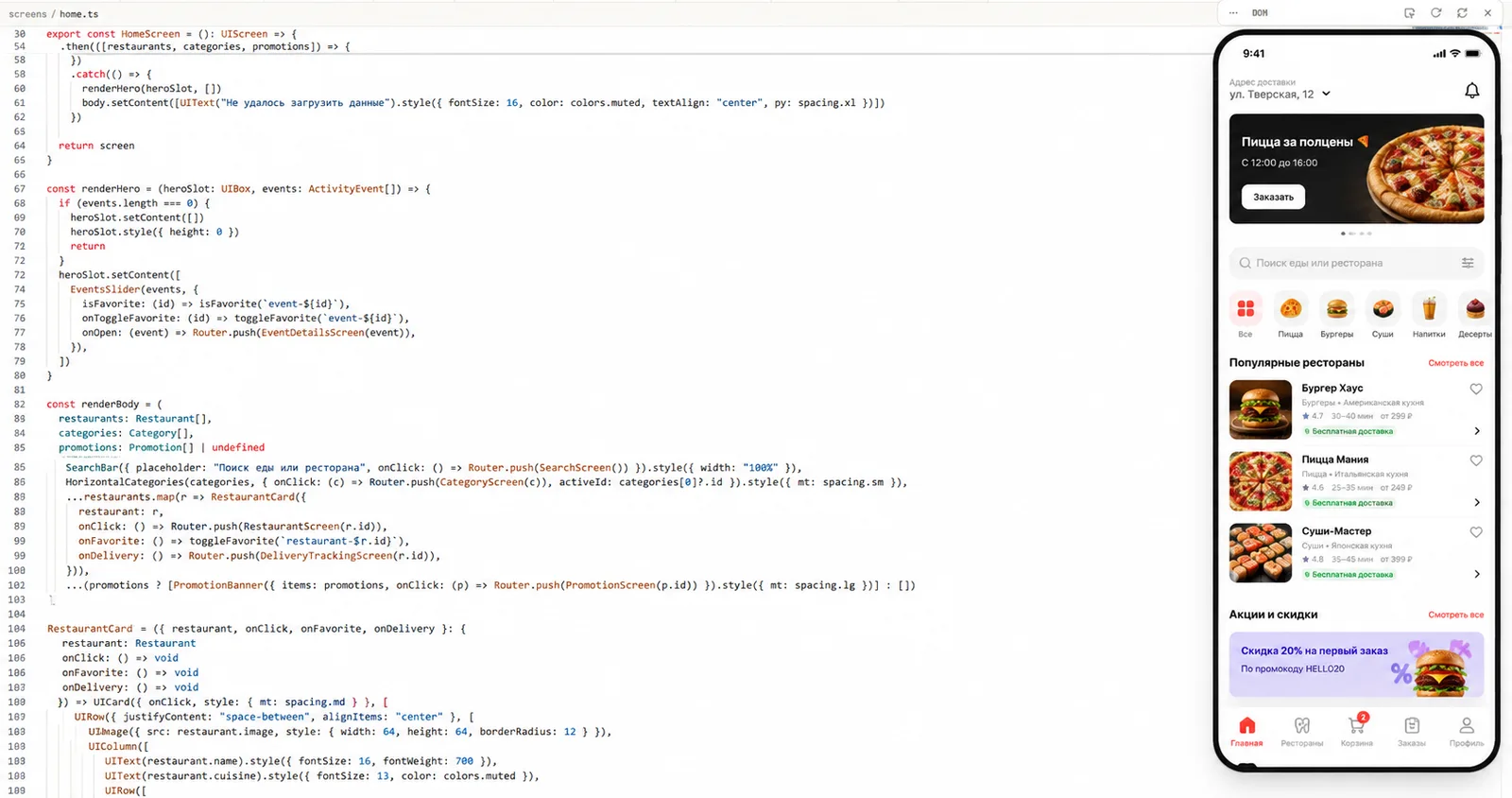
Practice: the first screen of a delivery app
Start not with the whole service but with one complete path. In le.codes you can go like this:
- In Concept mode describe the audience and the task: the user picks a restaurant and adds dishes to the cart.
- Ask to single out only the screens needed before checkout.
- In Design check the transition map: home, restaurant, dish, cart.
- Open every screen and walk the scenario as a user.
- Move on to Build and ask to implement the chosen flow.
- Check the result on a phone through the QR code.
- Fix one observed defect at a time.
Useful refinements look like this:
- "When going back from a dish card, the cart must not be cleared";
- "If the restaurant is closed, show the nearest opening time instead of the order button";
- "On a 390-pixel screen the price and the button must fit without horizontal scrolling";
- "Add a test: the user picks a dish, changes the quantity and sees the new total".
Such requests beat "make it pretty" because they describe a checkable result.
How to start vibe coding for free
Don't buy a big plan before the first check. Pick one task and build a prototype you can show to a user. In le.codes the editor, the runtime and the builds are free, and a new account gets 2,000 credits for AI requests without linking a card. Once they're spent, you pay for the AI you actually use.
If what you need is a step-by-step process from idea to prototype, read "How to build a mobile app with AI".
Will vibe coding replace developers
It's already changing the mix of work, but it doesn't cancel development. Simple prototypes and typical interfaces become accessible to people without a technical background. Developers spend less time mechanically writing boilerplate and more on architecture, integrations, security and verification.
The more important the app, the more visible the value of a specialist. Knowing how to phrase a request helps you start, but the responsibility for data, money and stability can't be delegated to a model. Most likely the winners will be neither those who ignore code entirely nor those who reject AI, but the teams that can generate fast and check just as fast.
FAQ
How does vibe coding differ from no-code?
No-code assembles a product from prepared blocks. Vibe coding is built around a description of the desired result, after which the AI creates and changes the code. It can be more flexible, but it needs careful checking.
Will vibe coding replace programmers?
It automates part of the routine work and lowers the entry barrier for prototypes. Complex products still need architecture, security, integrations, testing and a specialist's responsibility.
Which tools do you need for vibe coding?
At a minimum, an AI that can work with code, a runtime and a way to see the result. A more reliable process gives the model access to the project, the render, the tests and the change history.
Can you build a whole mobile app this way?
Yes, but the level of control depends on the complexity. A prototype and a simple product can be assembled almost entirely in a conversation. Payments, sensitive data and a complex backend need extra development and an audit.
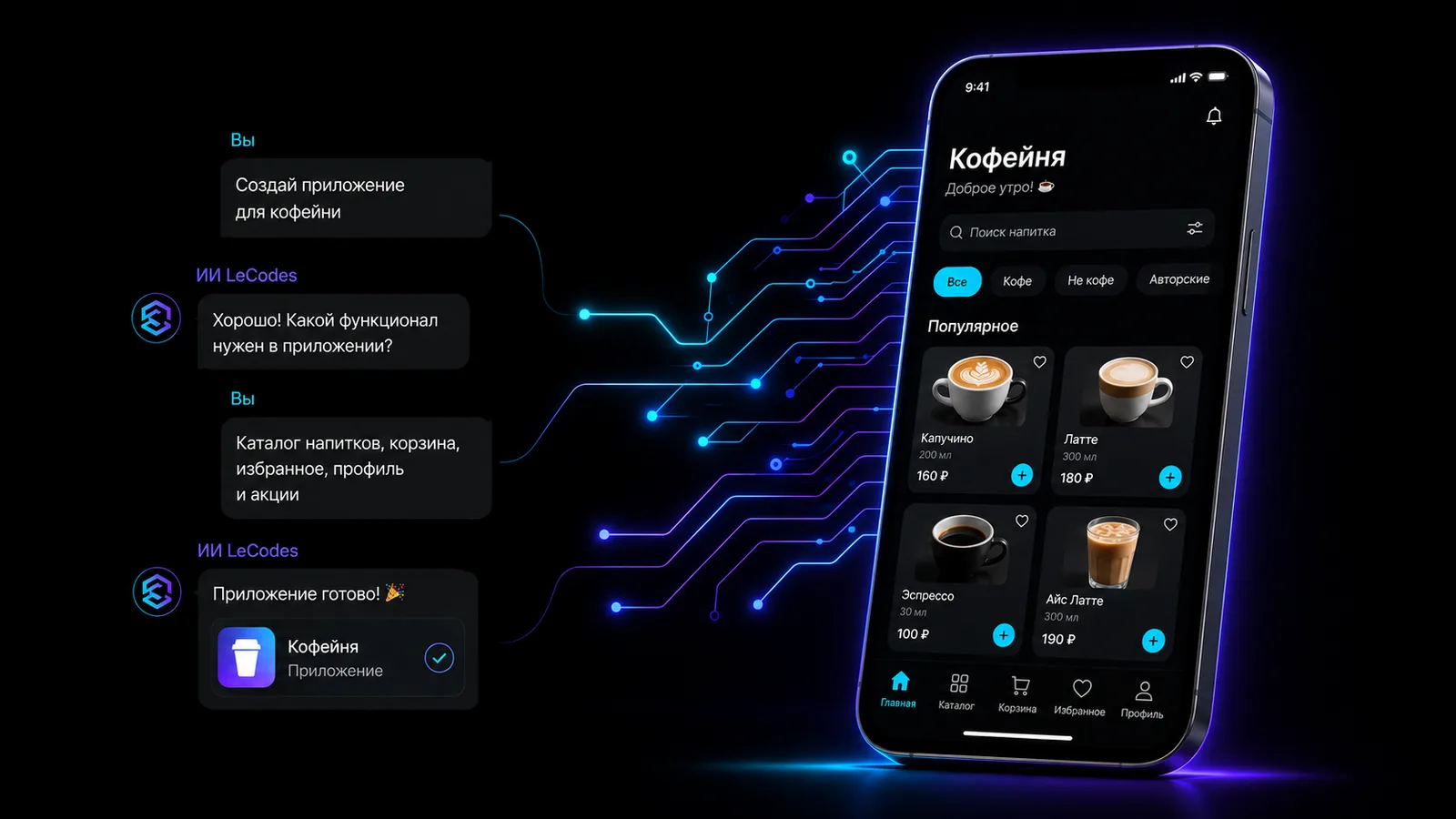
Catch the vibe — build an app today
The editor, the core and the build are free. We give 2,000 credits for the AI assistant to start. No card needed.
Start free