How to turn a website into a mobile app
The business already has a catalogue, an account area and payments on its website. We look at how to turn a website into a mobile app without ending up with a clumsy wrapper: PWA, WebView, native development and an AI adaptation.
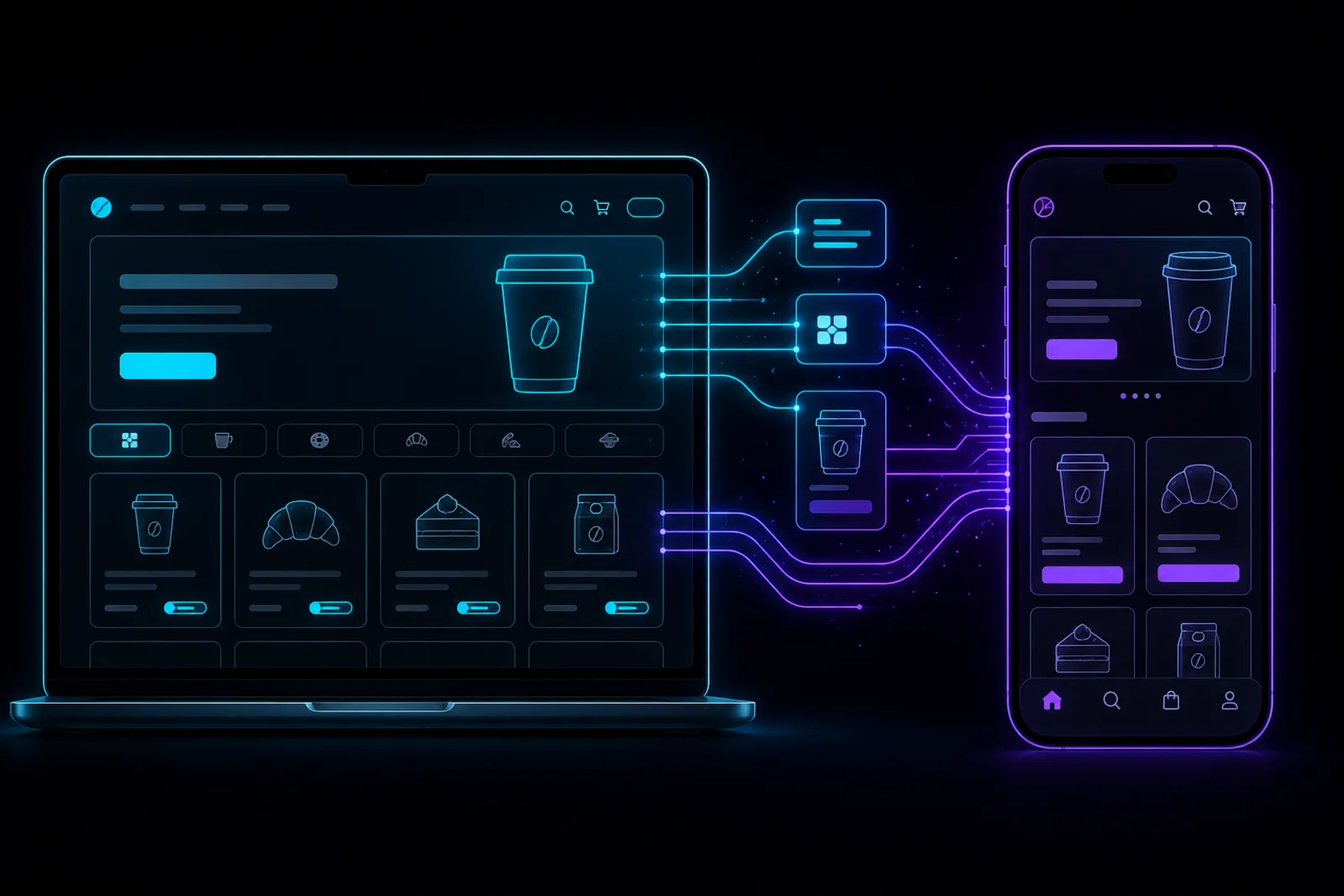
If the business already has a website, the obvious question is: why design the product for the phone all over again? Can you take the existing catalogue, account area or service and convert the website into a mobile app online? Below we look at how to make an app out of a website without carrying every weakness of the web version into it.
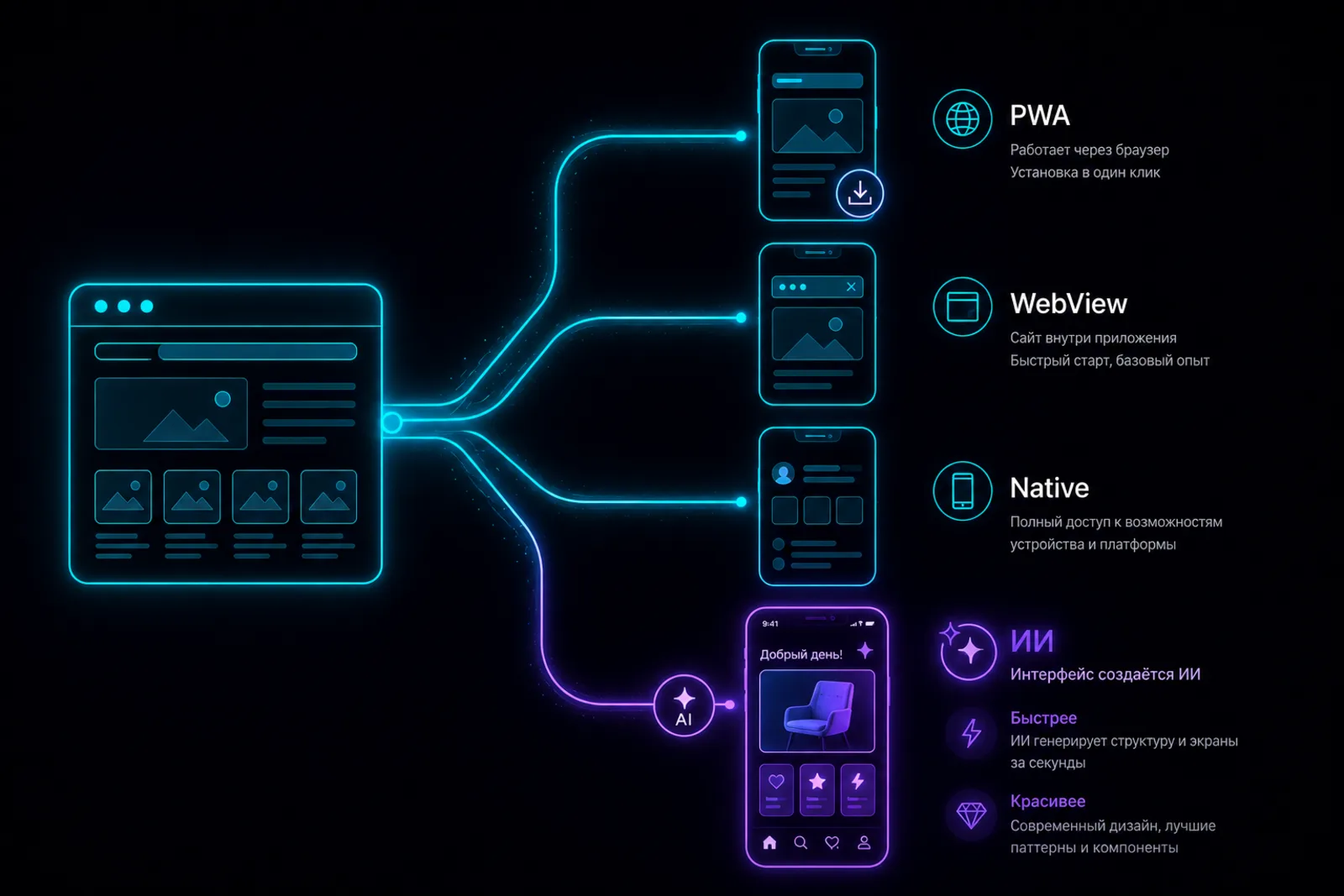
You can, but the word "convert" hides several different approaches. In one, the user simply opens the mobile version of the site from an icon. In another, the site is placed inside a shell and sent to an app store. In a third, the existing logic and data are moved into an interface built specifically for the phone.
These options differ in more than price. The chosen way determines the speed, access to the camera and location, behaviour without internet, the possibility of publishing in the stores, and whether the product feels like a real app at all.
First understand why you need an app
A separate app makes sense when the user comes back regularly and gets a concrete benefit from the mobile format. For example, they order faster, get a status notification, show a QR loyalty card, book a service or work with data on the go.
If a person opens the service once to read an address or leave a request, a responsive website is usually enough. An app demands installation and space on the phone, and the business has to support one more channel.
Before choosing a technology, answer three questions:
- How often does the user come back?
- Which phone features are really needed?
- What in the current mobile version gets in the way of the main action?
The answers keep you from overpaying for native development where a PWA is enough, and from picking a simple wrapper for a product that needs speed and complex mobile logic.
The ways: a wrapper, a PWA, a native app
PWA: a website you can install
A PWA, or progressive web app, remains a website but behaves closer to an app. The user can add it to the home screen, and part of the data and interface can be cached for unstable connections.
The pluses of a PWA: one web version, fast updates and no mandatory store publishing. The minuses: the capabilities depend on the browser and the operating system, and access to device features is usually limited compared to a native app. For a simple catalogue, a schedule or an account area it may be enough.
A WebView wrapper: the website inside an app
A WebView wrapper runs the site's pages inside an embedded browser window. It can be done quickly and relatively cheaply. It suits cases where the task boils down to being present in the store and the site already works well on mobile.
But a wrapper inherits the site's problems: heavy pages, delays, awkward forms and dependence on the network. Working with the camera, files, notifications and other phone capabilities requires extra bridges. App stores may also reject a product that adds almost no value over the plain website.
A native app: an interface built for the platform
A native app uses the components and capabilities of the operating system. It reacts faster, behaves more naturally on the phone and suits complex scenarios, animation, background work and deep device integration better.
Classic native development gives a high degree of control but needs separate expertise and budget. Writing two independent versions for iOS and Android stretches the timeline and the cost of support.
A mobile adaptation with AI
The fourth way is not to copy the site into a shell but to use it as the source of structure, content and business logic. The AI helps rebuild the user scenarios for the phone, create a mobile interface and connect it to the existing backend over an API.
This isn't an automatic "website to app" button. Bad navigation and a confusing checkout shouldn't be carried over one to one. First decide what to keep, what to simplify and which features to add specifically for mobile use.
Comparing the ways
| Way | Time to launch | Store publishing | Phone features | Starting cost | When it fits |
|---|---|---|---|---|---|
| PWA | From a few days | Optional; store presence is limited | Partial, depends on the platform | Low | A catalogue, an account area, a schedule, a simple service |
| WebView wrapper | From a few days | Possible, but a weak wrapper risks rejection | Through extra bridges | Low to medium | The site already works perfectly on the phone |
| Native app | From a few months | Yes | Full access | High | A complex product, high control, a big audience |
| AI adaptation | From a prototype in an evening to a few weeks for an MVP | Depends on the chosen runtime and the product's readiness | Through the runtime's capabilities and plugins | A free prototype, then by volume | You need to turn web logic into a mobile scenario fast |
What can be carried over from the site, and what has to be redone
Usually the data and the business logic can be kept: the catalogue, prices, accounts, order history, discount rules and server methods. If the site already works through an API, the app can talk to the same data.
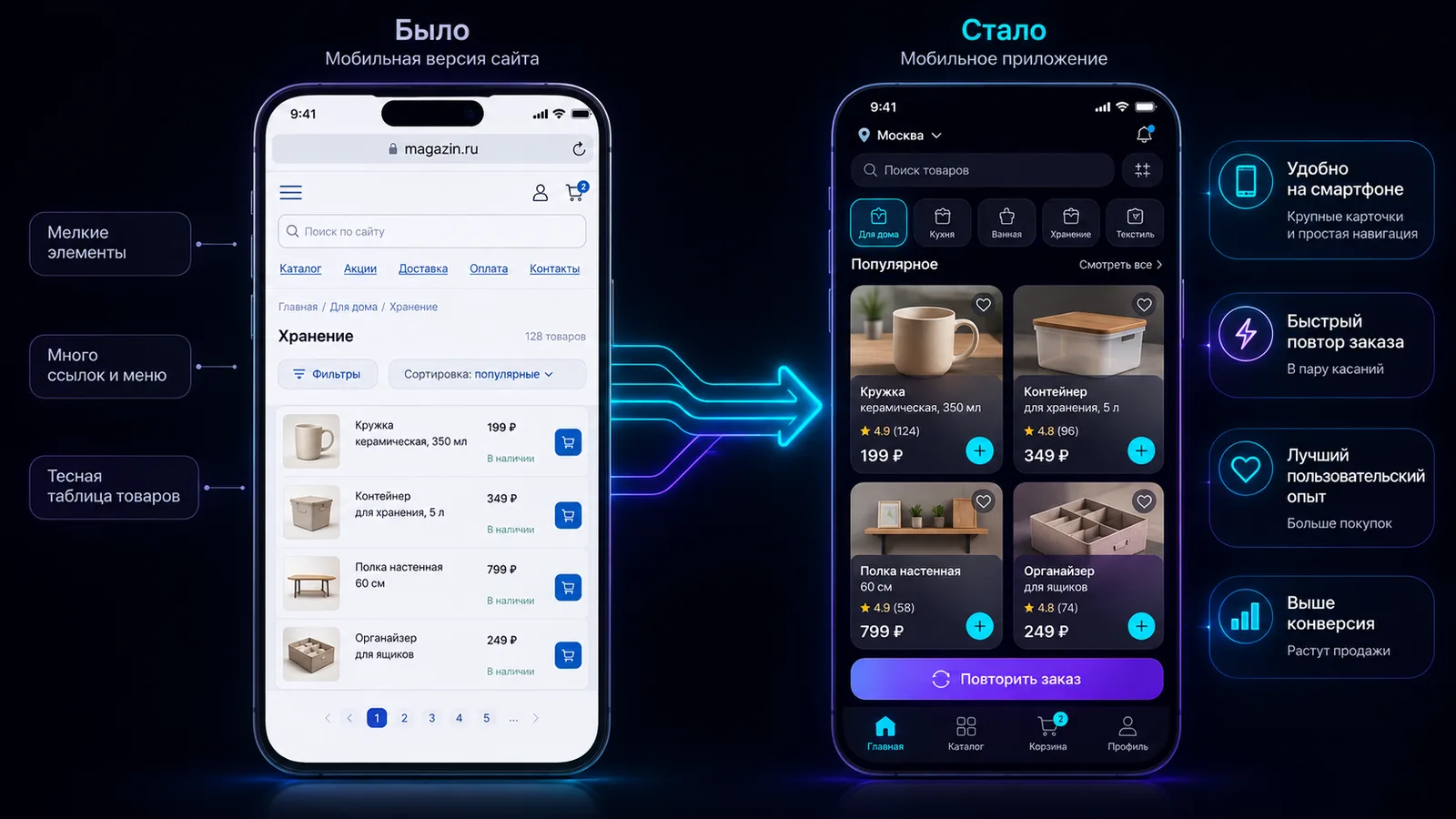
The interface is better rebuilt. The phone has a smaller screen, different gestures and a different context of use. A long horizontal menu becomes bottom tabs or compact navigation. Big tables need cards and filters. A multi-step form should be shortened, and important actions placed within thumb reach.
Check authentication, payments, file uploads, maps, notifications and offline behaviour separately. These features are often tied to browser logic and don't transfer automatically.
An example: an online store's website and its mobile app
Imagine a small online store of home goods. The website has a catalogue, filters, product cards, a cart, checkout and an account area. Everything works on a laptop, but on the phone the user spends a lot of time on the filters and has to look for the last order from scratch every time.
In the mobile app the structure can change:
- Show recent categories, recommendations and a repeat-order button on the home screen.
- Move the catalogue, the cart and the profile into bottom navigation.
- Replace the long filter panel with a slide-out screen.
- Keep the cart locally when the connection is poor.
- Add quick access to the order status.
- Use the camera or a QR scanner if the scenario needs it.
- Send "your order is ready" notifications once the service is connected.
As a result the app uses the same products and orders, but the user path no longer repeats the site. The real value comes not from an icon on the home screen but from fewer actions.
How to make a mobile app out of a website online, without code
Even if you don't write code, the process still starts with reviewing the current product. Prepare a link to the site, a list of the main pages, the available APIs and one key scenario. Don't hand the AI the task "copy everything". Ask it first to propose a mobile structure and explain which elements it removes or changes.
The working sequence looks like this:
- Pin down the app's goal and the user's main action.
- List the pages and features of the current site.
- Separate the data and server logic from the interface.
- Design a mobile path, not a shrunken copy of the site.
- Assemble a prototype and test it on a phone.
- Connect the real APIs, authentication and the device features you need.
- Test errors, a weak network and different screen sizes.
- Prepare publishing and update support.
Such a process can be started online and for free. But the more external integrations, payments and sensitive data the product has, the more likely you'll need a developer at the launch stage.
How le.codes adapts a web product for the phone
In le.codes an app isn't assembled in a WebView. The code runs in a native runtime based on QuickJS, and the interface is drawn with native components, with no browser on the device. That avoids the "website in a frame" feeling and lets one TypeScript project serve the mobile platforms.
In the browser platform you can describe the current site and the new mobile scenario in Concept mode, assemble the screens and transitions in Design, and then move on to Build. The AI sees the result through a headless renderer: it gets an image of the screen and the semantic structure of the interface, so it can check its own changes.
The existing backend doesn't have to be rewritten. The app can reach it over fetch and WebSocket. The camera, a QR scanner and location come as host capabilities, and a non-standard native feature can be added through your own plugin. le.codes remains the client side: the server, the database and the business rules live on the infrastructure you choose.
For iOS, the le.codes CLI can create its own Xcode project, build an IPA and send it to App Store Connect. That isn't one-button publishing from the browser: an Apple account, signing settings, an app listing and review are still needed. The Android publishing path should be planned separately, following the project's current documentation and the requirements of Google Play or another store.
What moving a website into an app costs
The price depends not on the number of pages on the site but on the complexity of the mobile scenarios. A simple PWA or a basic wrapper is usually cheaper. Native development with authentication, payments, offline mode and integrations costs more and needs constant support.
In le.codes you can start with a prototype for free: the editor, the runtime and the builds are available without payment, and a new account gets 2,000 credits for the AI. After that you pay for the AI you use. Count the server, external APIs, payment fees, developer accounts and a specialist's work separately if you need a complex integration.
The step-by-step process of working with AI is covered in "How to build a mobile app with AI". And "What vibe coding is" explains the logic of developing through a conversation.
How to pick the right option
Choose a PWA if you need quick access from the home screen and the site's features are already enough. A wrapper suits a simple product with a good mobile version, but check the stores' requirements in advance. Classic native development is justified when maximum control, deep device integration and a big team matter.
An AI adaptation is useful when the site has already proven demand but the mobile scenario needs to be rethought and tested fast. Start with one feature users do regularly on the phone. If it becomes noticeably simpler and faster, the app makes sense.
FAQ
Can I turn a website into a mobile app for free?
You can create a PWA or assemble a first prototype in a service with a free start for free. A working app may need paid servers, integrations, developer accounts and store publishing. In le.codes the editor, the runtime and the builds are free, and a new account gets a starting balance for the AI.
Will an app made from a website work on iPhone?
Yes, but the way matters. A PWA works through iOS browser capabilities, a WebView wrapper stays a website inside a shell, and a natively adapted app uses the platform's components. Publishing in the App Store means following Apple's rules and passing review.
How is an app better than the mobile version of a site?
It can offer a faster interface, convenient navigation, local data storage and access to phone features. But if the user comes once and doesn't need those capabilities, a good mobile website may be the more rational choice.
What do I need from the site to start?
A link, a list of the key pages, a description of the main user scenario and an understanding of where the site gets its data. A documented API makes connecting the catalogue, accounts and orders much easier.
Read next
 Guide
GuideHow to build a mobile app with AI
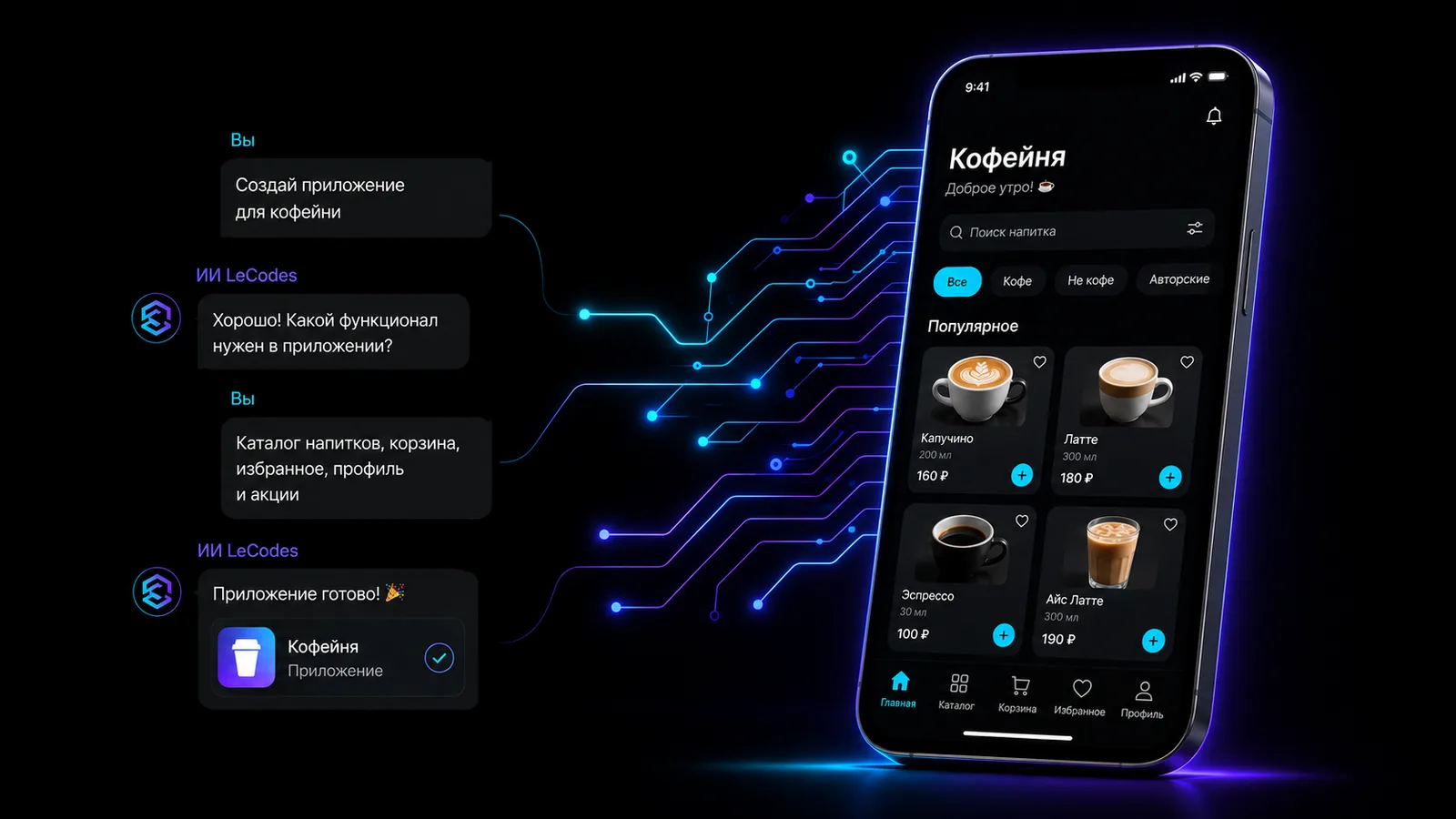
From an idea described in words to a prototype on your phone — on the example of a coffee-shop app.
 Explainer
What vibe coding is and how it changes mobile development
You describe how the app should behave and the AI writes the code. Where the term came from and which risks to know.
Your website is ready to become an app
The editor, the core and the build are free. We give 2,000 credits for the AI assistant to start. No card needed.
Build the mobile version